

Tax season doesn't have to be stressful. If you've been tracking your work in Paythread throughout the year, you already have the data you need. This guide shows you how to pull it all together for your accountant or your own filing.
The Tax Summary Tab
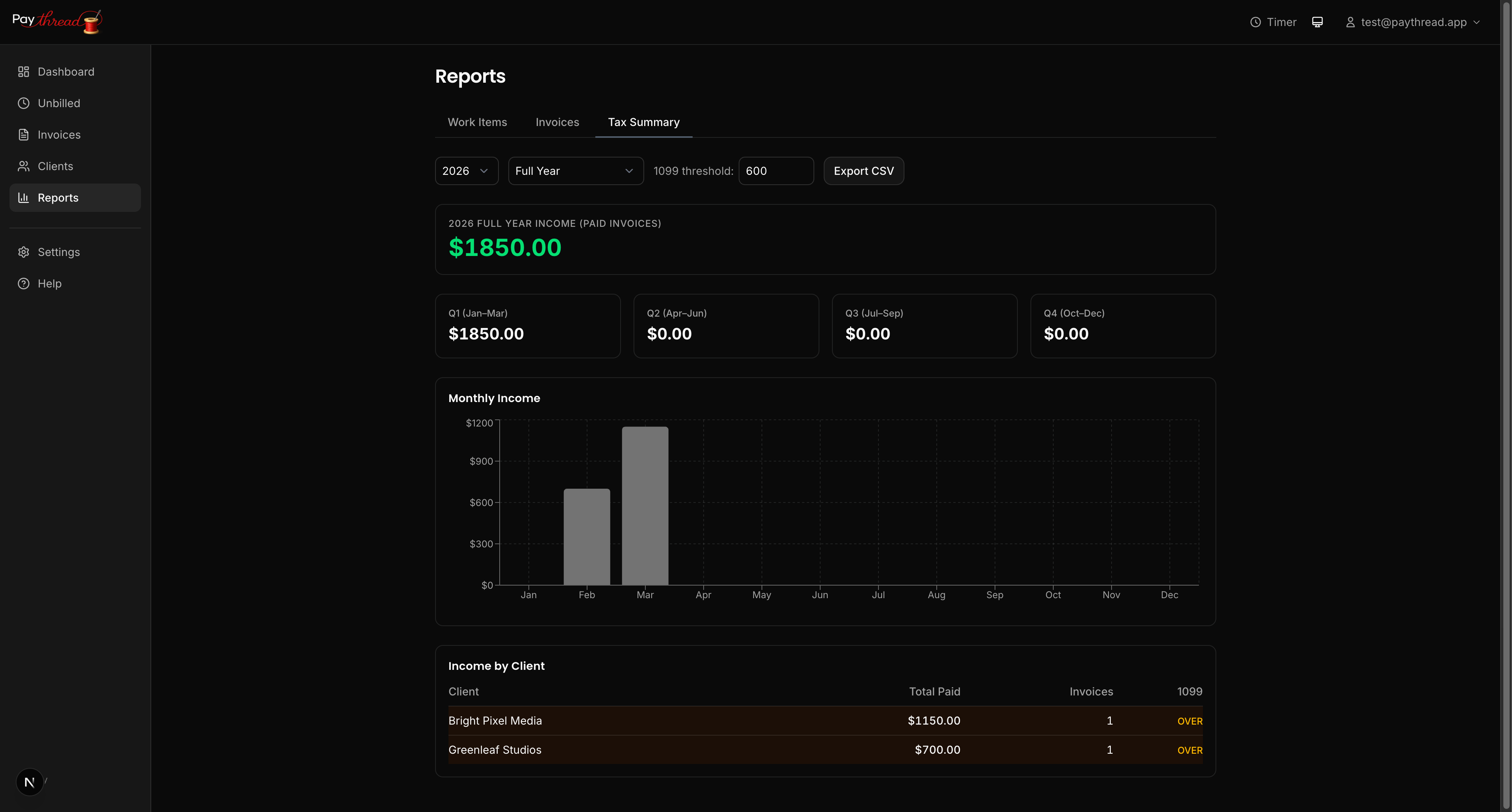
Paythread's Reports section includes a dedicated Tax Summary tab that gives you a high-level view of your earnings. Here you'll find:
- Year-to-date (YTD) income — Your total invoiced and paid amounts for the current year
- Quarter-to-date (QTD) income — Earnings for the current fiscal quarter
- Quarterly breakdowns — A side-by-side comparison of income across all four quarters
The fiscal quarter selector at the top of the page lets you switch between quarters quickly. This is especially useful if you make estimated quarterly tax payments, since you can see exactly how much you earned in each period.
Understanding the Numbers
Paythread tracks two key figures: invoiced amounts and paid amounts. For tax purposes, which one matters depends on your accounting method:
- Cash basis (most freelancers) — You report income when you receive payment. Focus on the "paid" column.
- Accrual basis — You report income when you invoice. Focus on the "invoiced" column.
If you're not sure which method you use, ask your accountant. Most solo freelancers use cash basis because it's simpler and aligns with when money actually hits your bank account.
1099 Thresholds
In the US, clients who pay you $600 or more in a calendar year are required to send you a 1099 form. Paythread's reports help you identify which clients have crossed that threshold. This is useful for following up with clients who haven't sent their 1099s by the January 31 deadline.
Exporting Data for Your Accountant
Your accountant probably doesn't want to log into your Paythread account. They want a spreadsheet. The Reports section lets you export your data as CSV files that you can email directly to your tax preparer.
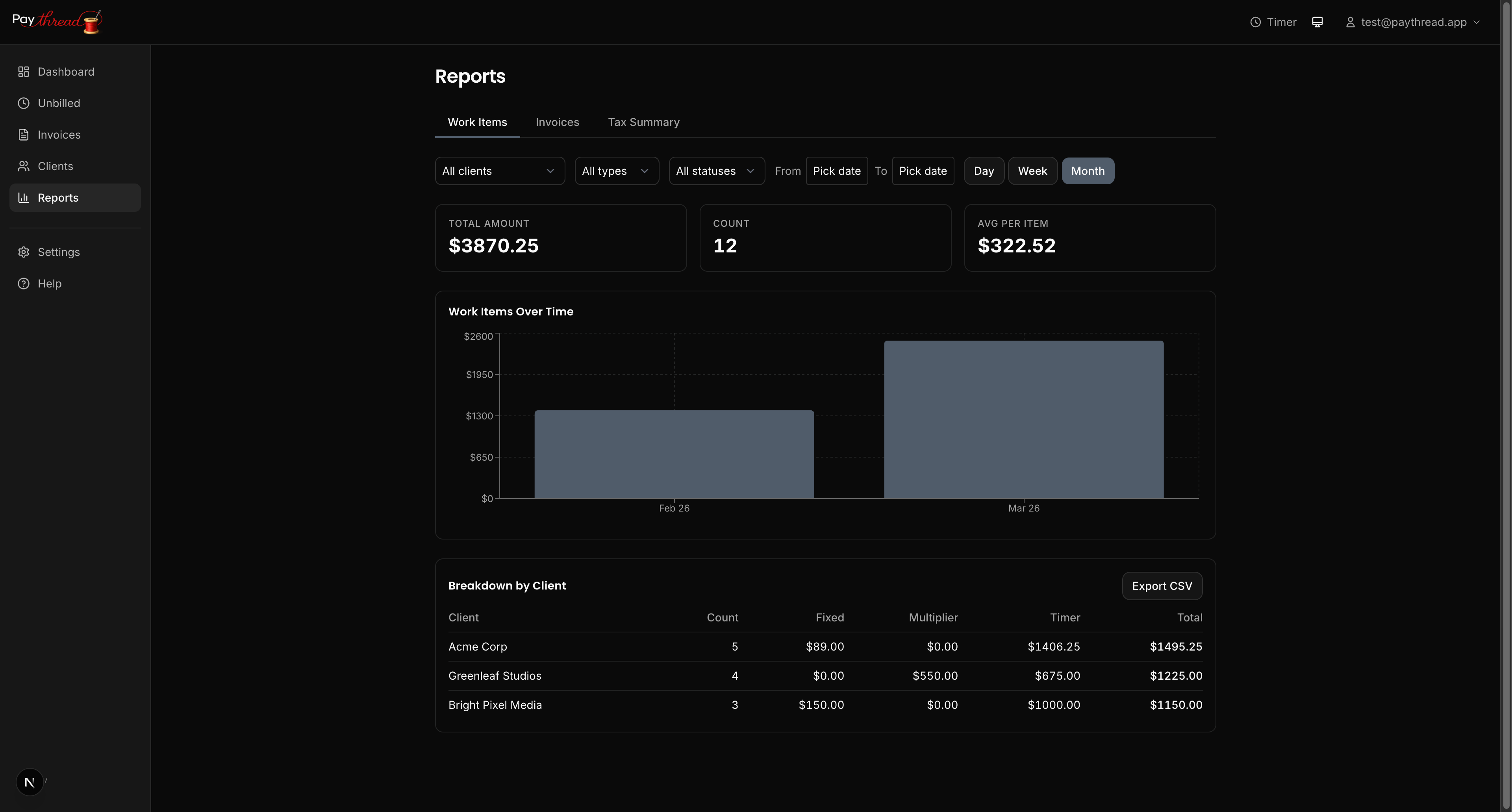
You can export:
- Work items — Every piece of tracked work with dates, descriptions, clients, and amounts
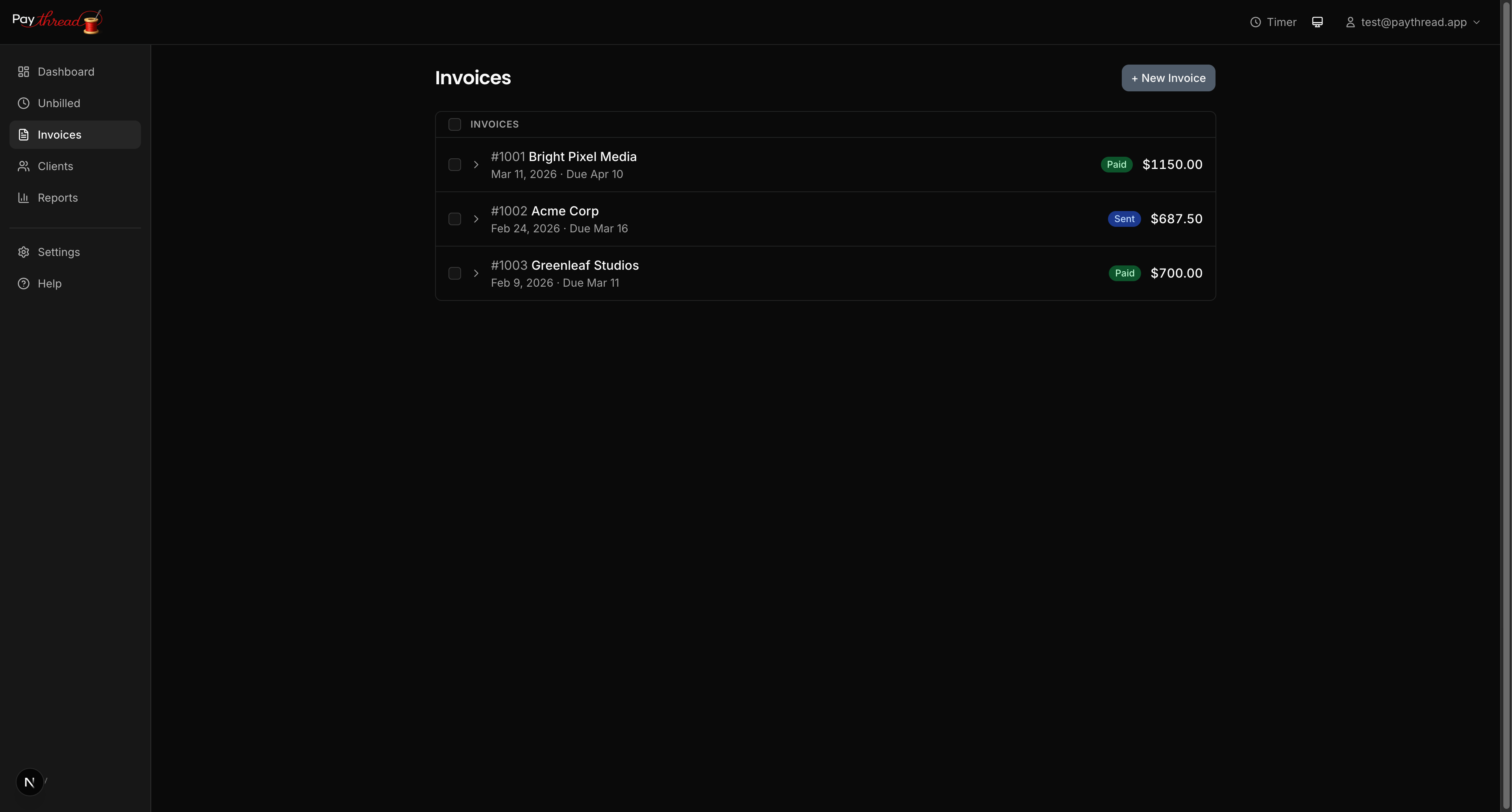
- Invoices — All invoices with their statuses, dates, and totals
Use the date range filter to narrow exports to the tax year in question. Your accountant will appreciate receiving clean, date-filtered data rather than a dump of everything since you signed up.
Quarterly Tax Payments
If you expect to owe more than $1,000 in taxes for the year, the IRS typically requires quarterly estimated payments. Paythread's quarterly breakdown makes it easy to calculate these. At the end of each quarter, check your QTD income, apply your estimated tax rate, and make your payment.
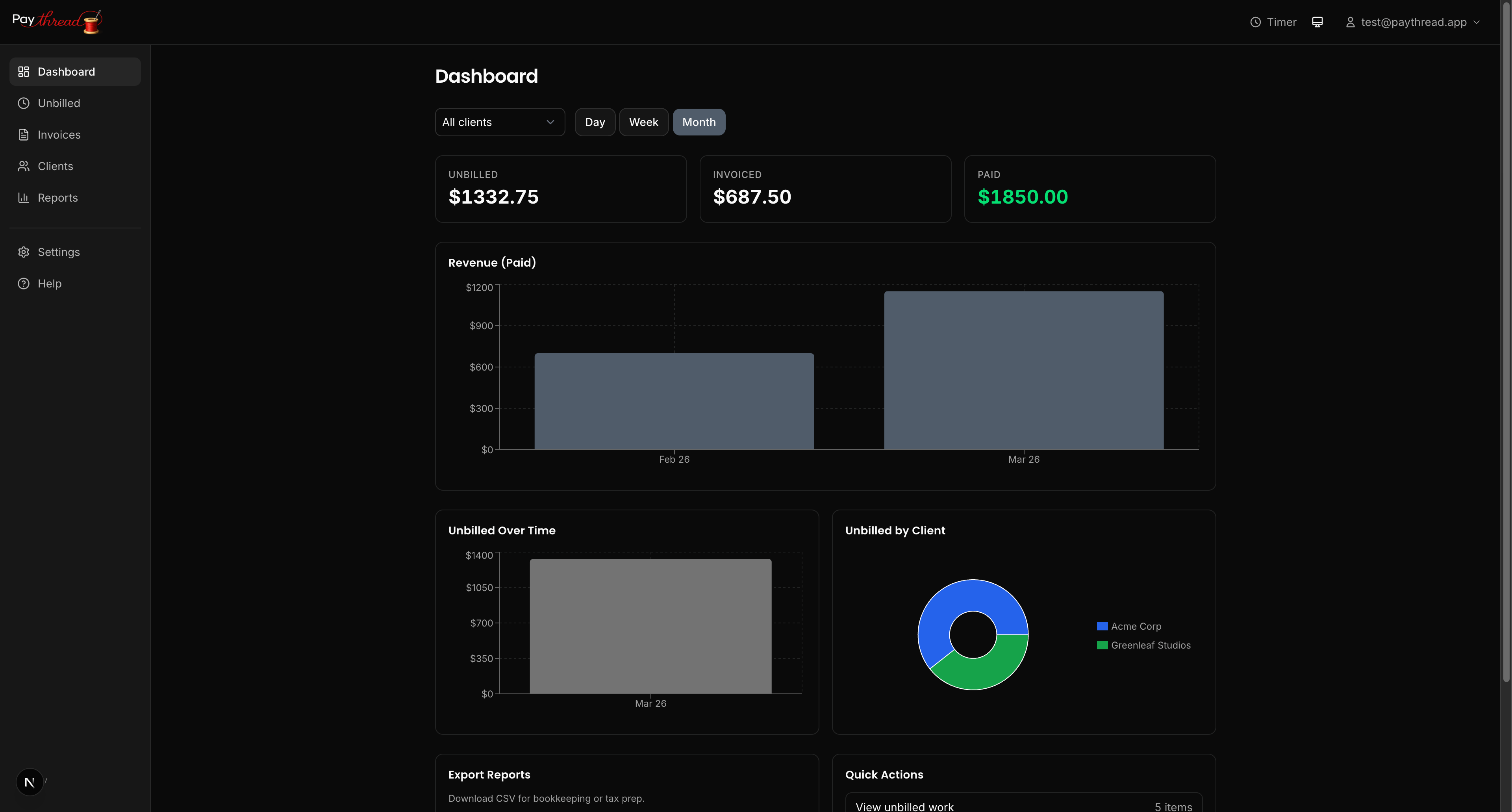
A simple formula: take your quarterly income, multiply by your effective tax rate (often 25-30% for freelancers including self-employment tax), and that's roughly what you should set aside.
Staying Organized Year-Round
The best tax prep happens throughout the year, not in a frantic week in April. A few habits that help:
- Log all work consistently. Gaps in your records mean gaps in your reports.
- Review your Tax Summary quarterly. Catch discrepancies early when you can still track down the details.
- Export CSVs at year-end. Don't wait until your accountant asks. Have the files ready to go by mid-January.
What's Next?
For a complete picture of how work flows from tracking to payment, read From Timer to Paid: The Complete Payment Flow. If you haven't set up your invoicing routine yet, start with Weekly Invoicing Workflow for Freelancers.