Consistent invoicing is the difference between steady cash flow and chasing payments. This guide walks you through a simple weekly workflow that keeps your billing organized without eating into productive hours.
Monday Through Friday: Track Everything
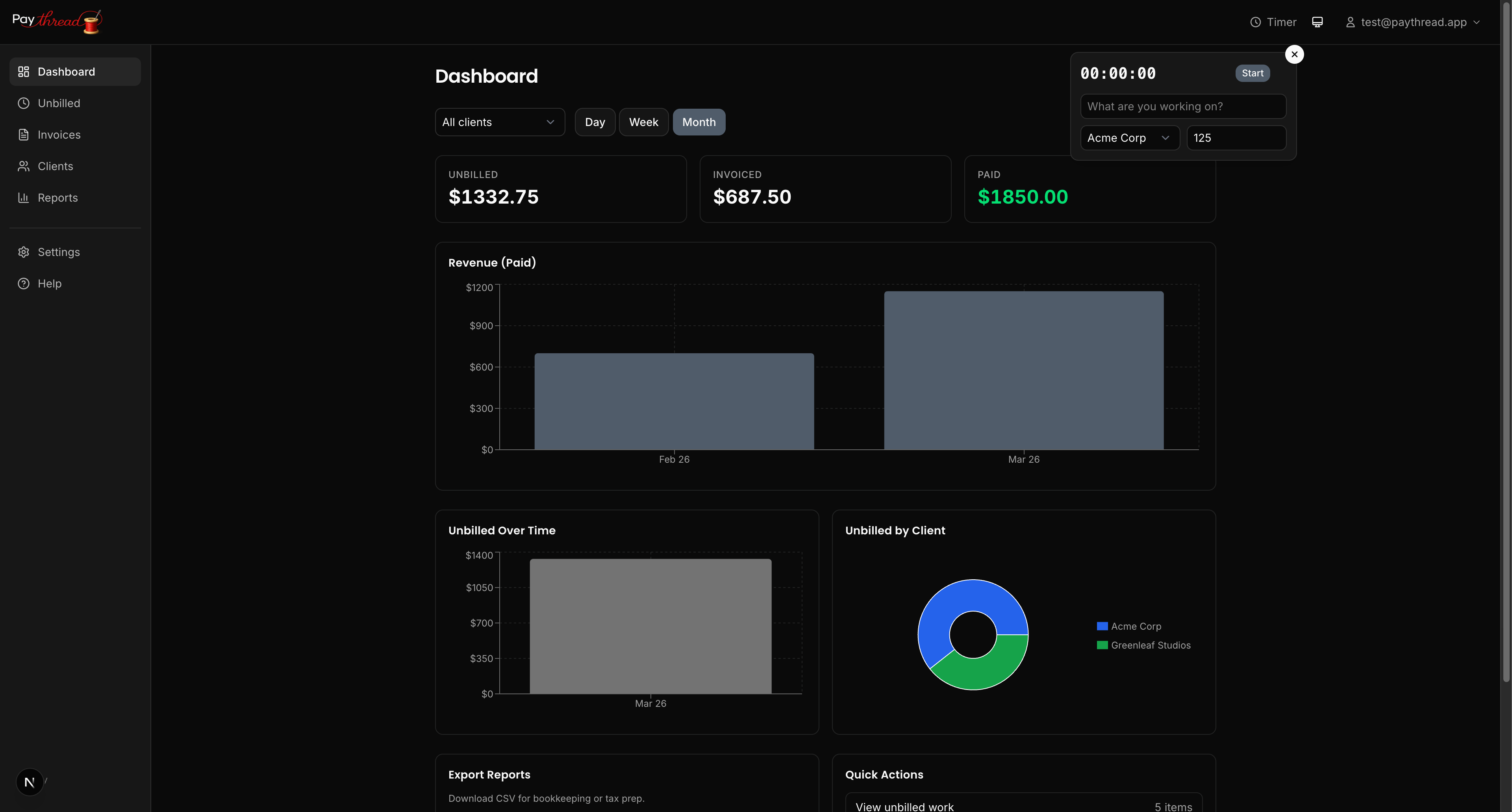
During the week, your only job is to record your work as it happens. Paythread gives you three ways to log work items:
- Timer — Start the built-in timer when you begin a task and stop it when you're done. Paythread calculates the duration and cost automatically based on your hourly rate.
- Fixed — For flat-rate deliverables like a logo design or a blog post, create a fixed-price work item with the agreed amount.
- Multiplier — For quantity-based work like per-page editing or per-unit pricing, enter the rate and quantity. Paythread handles the multiplication.
The key habit is logging work immediately. If you wait until Friday to reconstruct your week from memory, you'll undercount your hours and leave money on the table.
Friday Afternoon: Review the Unbilled Queue
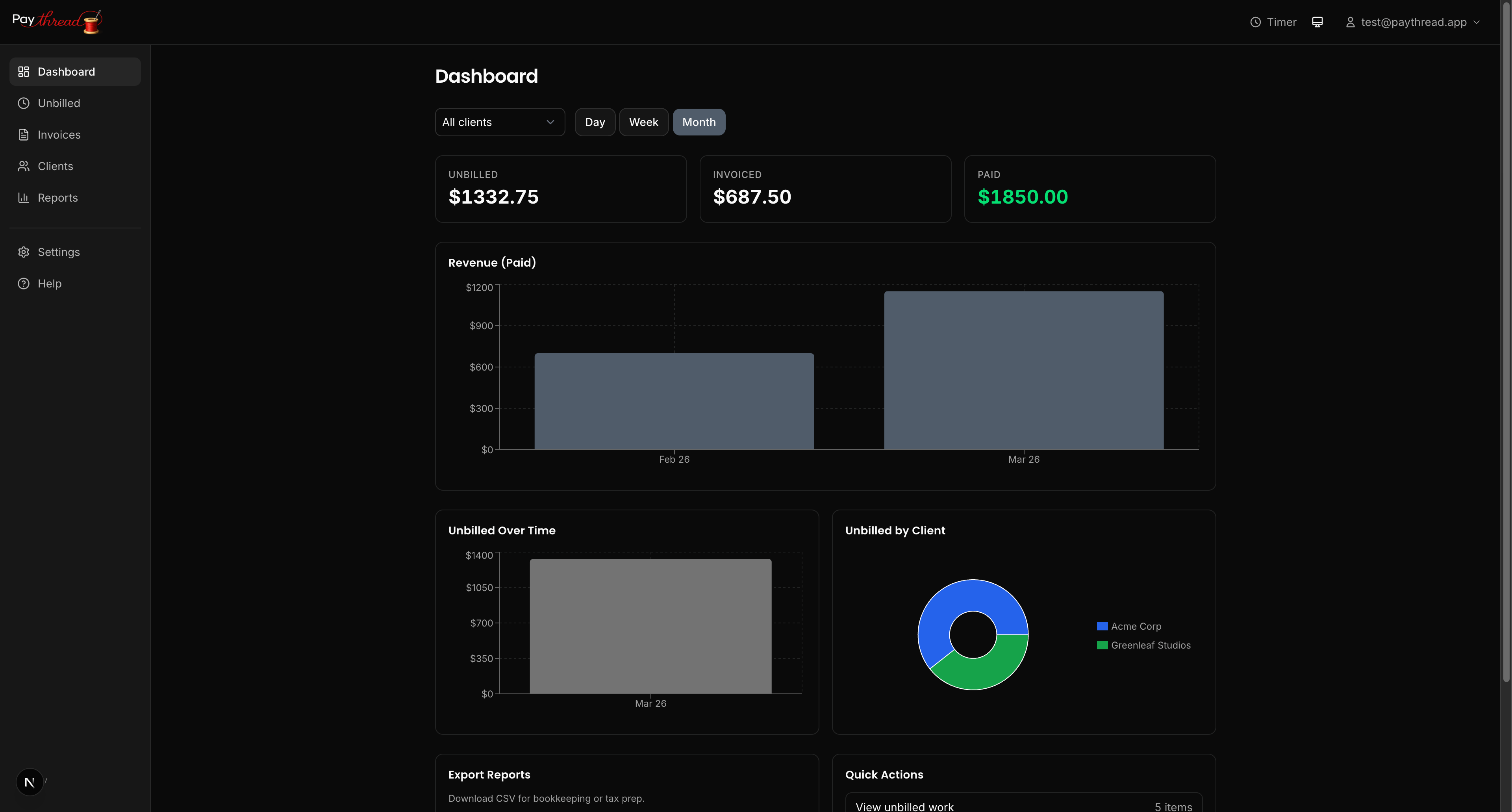
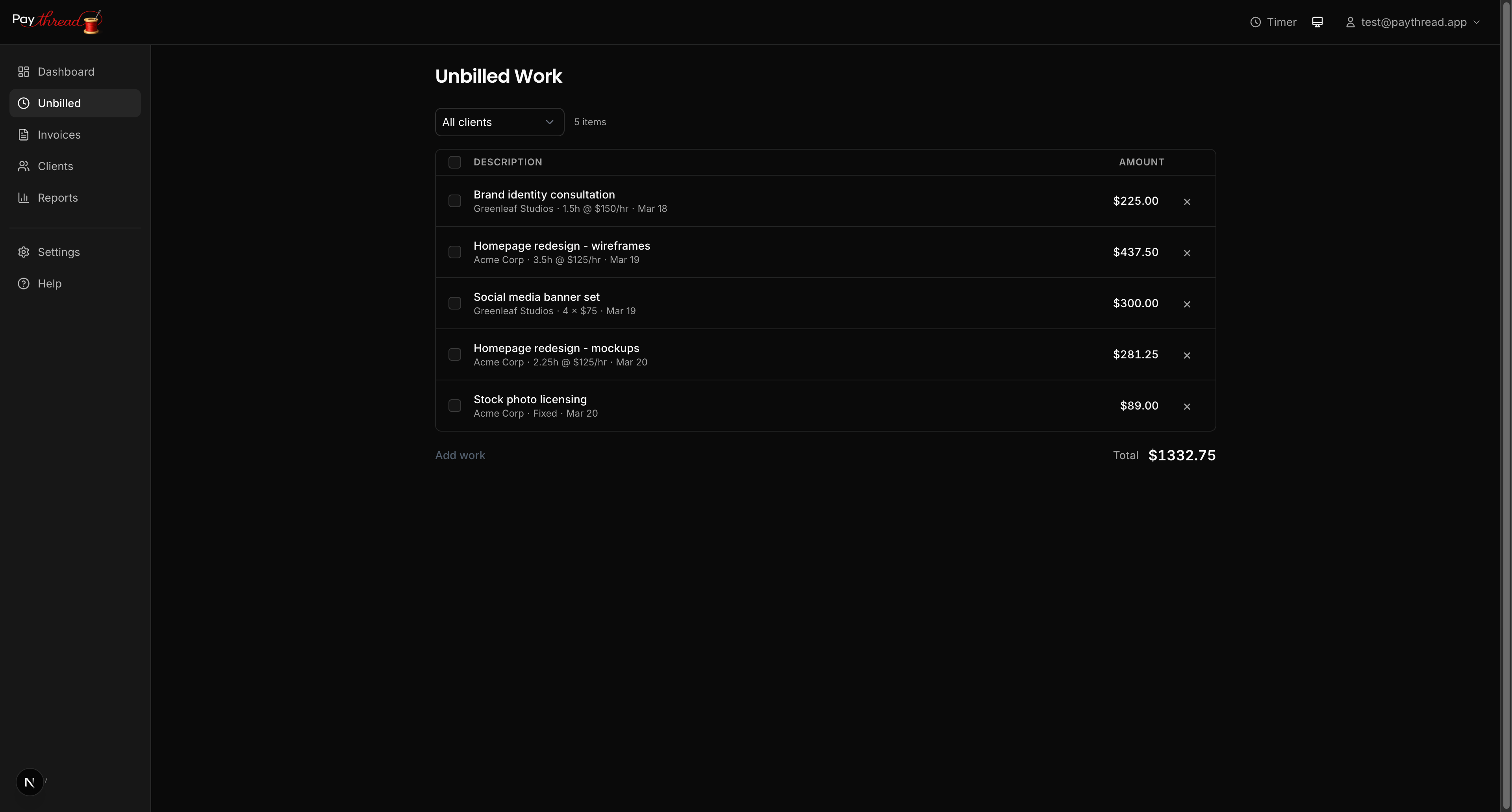
At the end of the week, open your unbilled queue. This is where all completed work items that haven't been added to an invoice live. Think of it as your billing inbox.
Review each item and make sure the descriptions, hours, and amounts look right. Fix any typos or adjust durations if your timer ran long during a lunch break. This is also a good time to add any work you forgot to log during the week.
Build and Send Invoices
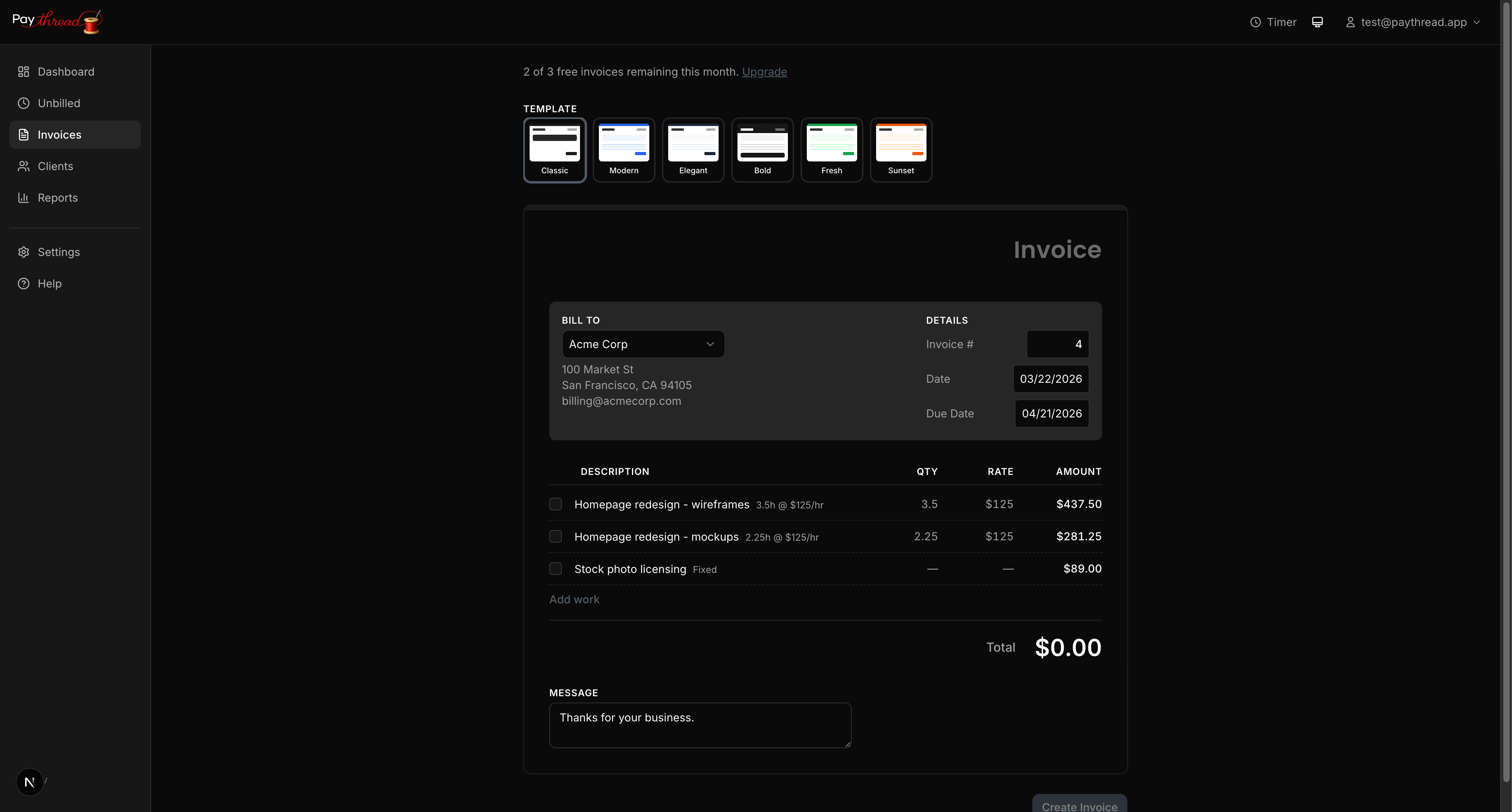
Once your unbilled queue is clean, select the items you want to invoice. You can group items by client, by project, or by time period. Paythread lets you select multiple items and batch them into a single invoice.
Choose a template, confirm your payment methods, add any notes, and set a due date. Then send. The whole process takes a few minutes per client once you have your templates and payment methods set up.
For clients on regular schedules, you'll find yourself repeating the same steps each week. That rhythm is the point. Routine billing means fewer surprises for both you and your clients.
Monday Morning: Follow Up on Outstanding Invoices
Start each week by checking your invoices list. Look for invoices that are approaching or past their due date. A brief, polite follow-up email is usually all it takes to nudge a late payment.
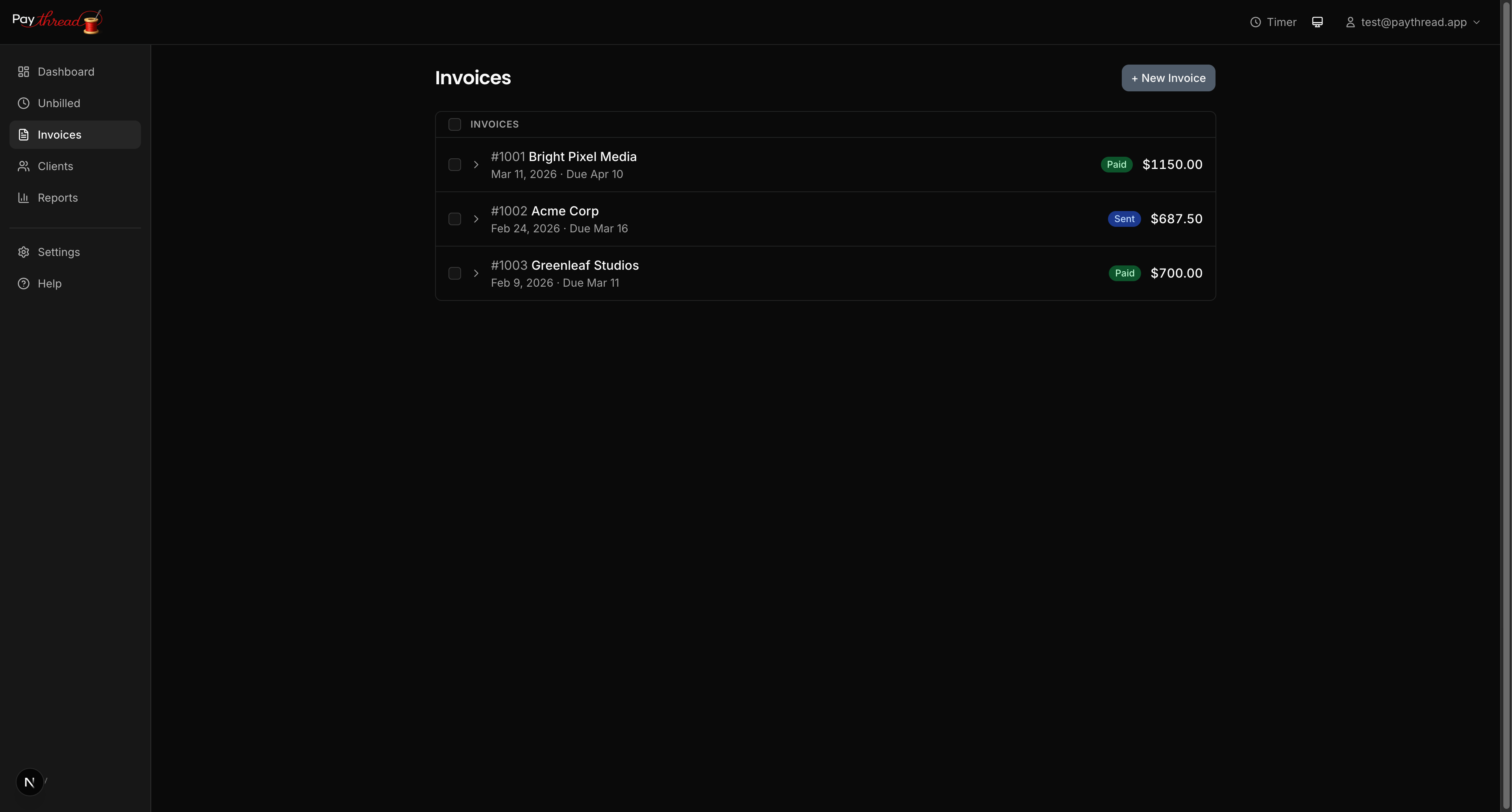
Paythread shows the status of each invoice so you can quickly see what's been paid, what's pending, and what needs attention. Make follow-ups a habit rather than a reaction, and you'll rarely have to chase payments.
The Weekly Checklist
Here's the routine in short:
- Daily — Log all work using timer, fixed, or multiplier items
- Friday — Review unbilled queue, clean up descriptions and amounts
- Friday — Batch items into invoices, pick templates, set due dates, send
- Monday — Check invoice statuses, follow up on anything outstanding
Why Weekly Works
Billing weekly keeps your invoices small and predictable. Clients are more likely to pay a $1,200 weekly invoice promptly than a $4,800 monthly surprise. It also means you catch errors and disputes quickly, while the work is still fresh in everyone's memory.
What's Next?
When tax season rolls around, all this tracked work pays off. See Preparing for Tax Season with Paythread to learn how your weekly data turns into tax-ready reports. Or revisit Invoice Templates & Customization to make sure your invoices look their best.